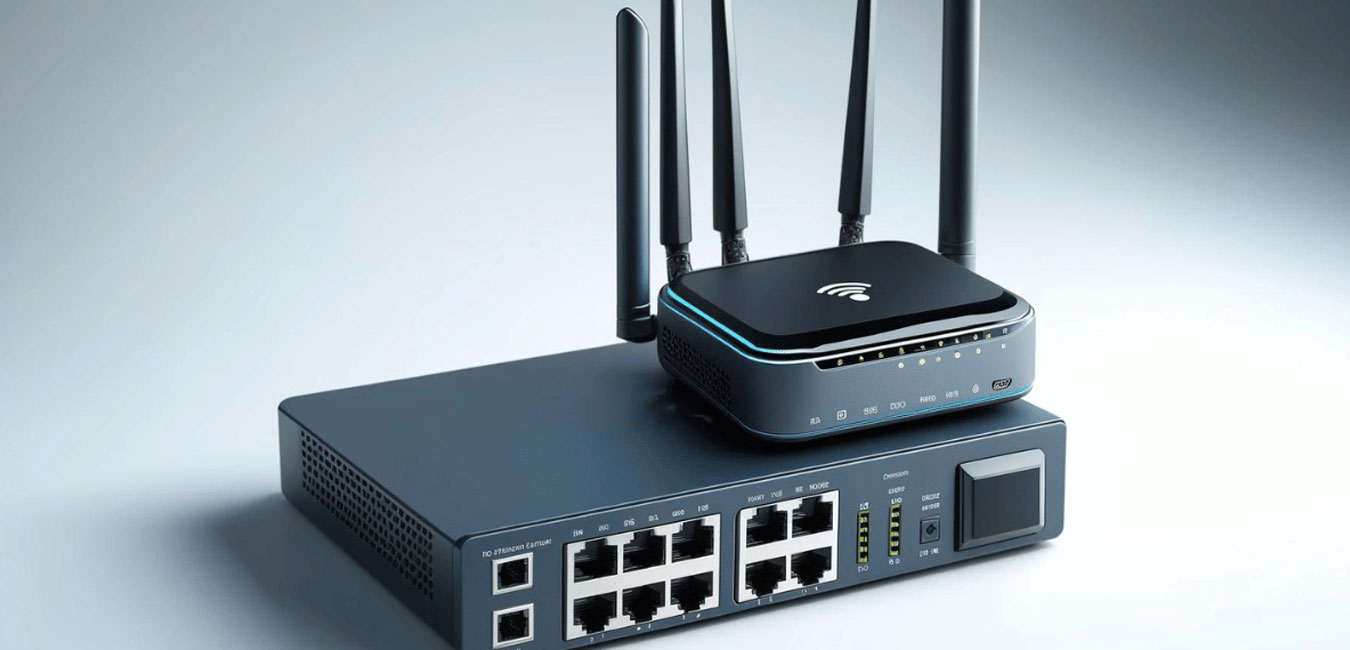
Routers and Switches | Accelerate Business with Intelligent Networking
Routers and switches are critical components in computer networks, each serving unique roles in managing how data is transmitted between devices, networks, and systems. They are fundamental to the structure of both local area networks (LANs) and wide area networks (WANs).
Router
What is a Router?
A router is a networking device that connects multiple networks and directs data packets between them. Routers determine the best path for sending data across interconnected networks, such as from a local home or office network to the internet or between different branch networks in a corporate setup.
Key Functions of a Router
- Path Determination: Routes data packets to their destination using routing tables and protocols.
- Network Address Translation (NAT): Allows multiple devices on a local network to share a single public IP address for internet access.
- Packet Forwarding: Analyzes incoming data packets and sends them to the correct destination or network.
- Firewall Protection: Some routers have built-in firewalls for added security against external threats.
- VPN Support Routers can support VPNs to securely connect remote users to a corporate network.
Types of Routers
- Residential Routers: Used in homes to connect multiple devices to the internet.
- Enterprise Routers: Handle large-scale network routing for businesses with multiple branch offices.
- Edge Routers: Connect a company’s internal network to external networks (e.g., the internet).
- Core Routers: Handle large amounts of data within a high-speed backbone network.
- Wireless Routers Allow devices to connect to networks via Wi-Fi instead of physical cables.
When Are Routers Used?
- To connect a home or business network to the internet.
- To connect multiple branch offices in a corporate WAN.
- To establish VPNs for secure remote access.
- To manage large-scale traffic for multi-network communication.
Switch
What is a Switch?
A switch is a networking device that connects devices within the same local area network (LAN) and enables them to communicate with each other efficiently. Unlike routers, which connect multiple networks, switches operate within a single network to facilitate communication between connected devices.
Key Functions of a Switch
- Forward Data Packets: Directs data to the correct device within the same network by using MAC addresses.
- Layer 2 & Layer 3 Switching:
- Layer 2 Switch: Operates at the Data Link Layer (Layer 2) to forward data based on MAC addresses.
- Layer 3 Switch: Operates at the Network Layer (Layer 3) to route packets using IP addresses.
- Segregates Traffic: Reduces network congestion by sending packets only to the intended recipient.
- VLAN Support: Allows network administrators to create virtual LANs for better network management.
- Port Management Manages multiple devices by allowing each to connect via its own dedicated port.
Types of Switches
- Unmanaged Switches:
- Basic plug-and-play switches with no advanced management options.
- Suitable for small office/home office (SOHO) networks.
- Managed Switches:
- Allow administrators to configure and monitor network traffic, prioritize data, and manage security settings.
- Suitable for large enterprise networks.
- Unmanaged Switches:
- Basic plug-and-play switches with no advanced management options.
- Suitable for small office/home office (SOHO) networks.
- Layer 2 Switch:
- Operates at the Data Link Layer and uses MAC addresses for forwarding decisions.
- Layer 3 Switch:
- Capable of IP routing (routing based on IP addresses) in addition to switching.
When Are Switches Used?
- To connect computers, printers, servers, or other devices within the same network.
- To manage multiple devices in a LAN efficiently by segregating traffic.
- For VLAN segmentation to enhance security and performance.
- To interconnect data centers and server farms for enterprise applications.
Router vs. Switch: Key Differences
| Aspect | Router | Switch |
|---|---|---|
| Primary Role | Connects multiple networks and directs traffic between them. | Connects multiple devices within the same LAN. |
| Layer of Operation | Operates at Layer 3 (Network Layer). | Operates at Layer 2 (Data Link Layer) or Layer 3 (in Layer 3 switches). |
| Routing vs Switching | Routes traffic between different networks using IP addresses. | Forwards traffic between devices within the same network using MAC addresses. |
| Traffic Type | Handles WAN or inter-network traffic. | Handles LAN or internal network traffic. |
| Example Use Case | Connecting a home network to the internet. | Connecting computers, servers, and printers within an office. |
| Device Complexity | Typically more complex with features like NAT and VPN support. | Simpler; focuses on LAN communication. |